Introducing DI Insights MCP
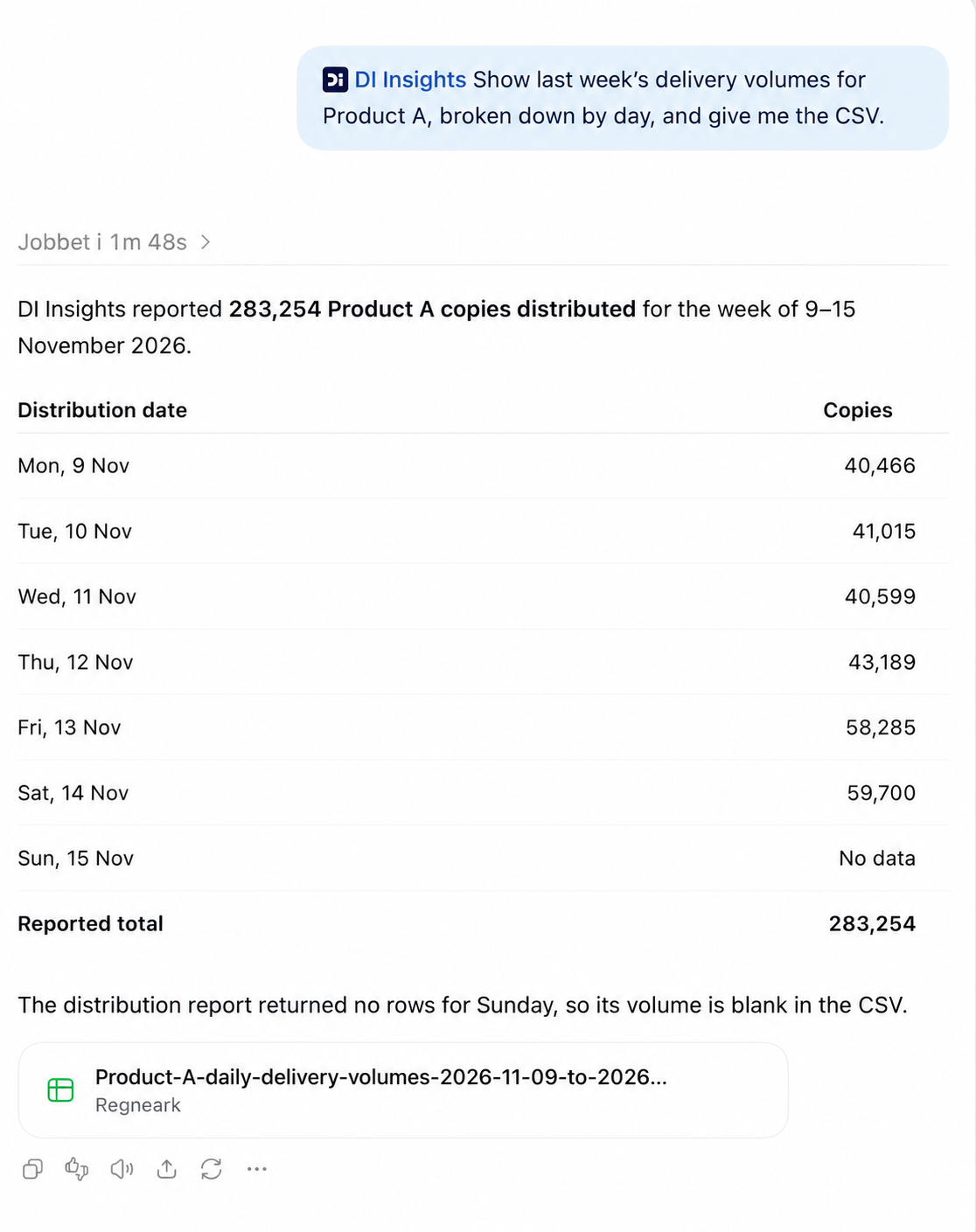
You can now use DI Insights from a compatible AI assistant. Find the reports you have access to, run an extract, and ask follow-up questions in the same conversation. You can summarize a full report table or download the original CSV.
For example, ask “Show last week’s delivery volumes for this publication, broken down by day, and give me the CSV.”
Who can use it: You need a DI user linked to a DI Insights account. If you only have access to individual reports, you’ll need access to a DI Insights account before you can connect. Once connected, your existing permissions determine which reports and data you can access.
Pricing and access
From launch and until further notice, you can connect and use DI Insights MCP free of charge. Report usage through MCP currently tracked alongside API usage. We’ll share an updated pricing model for MCP usage when it’s ready.
How to connect
In your AI assistant’s settings, add a custom MCP server named DI Insights.
Enter https://insights-api.di.no/mcp as the server URL.
Select OAuth.
Sign in with your DI account and approve the connection. Your existing DI Insights permissions determine which reports and data you can access.
To try it out, ask “Which DI Insights reports can I access?”
See the DI Insights MCP documentation for step-by-step ChatGPT setup, example prompts, and troubleshooting.
Links