- DATE:
- AUTHOR:
- The Distribution Innovation team
QGIS - Improved copy & paste, dimensions and expression builder
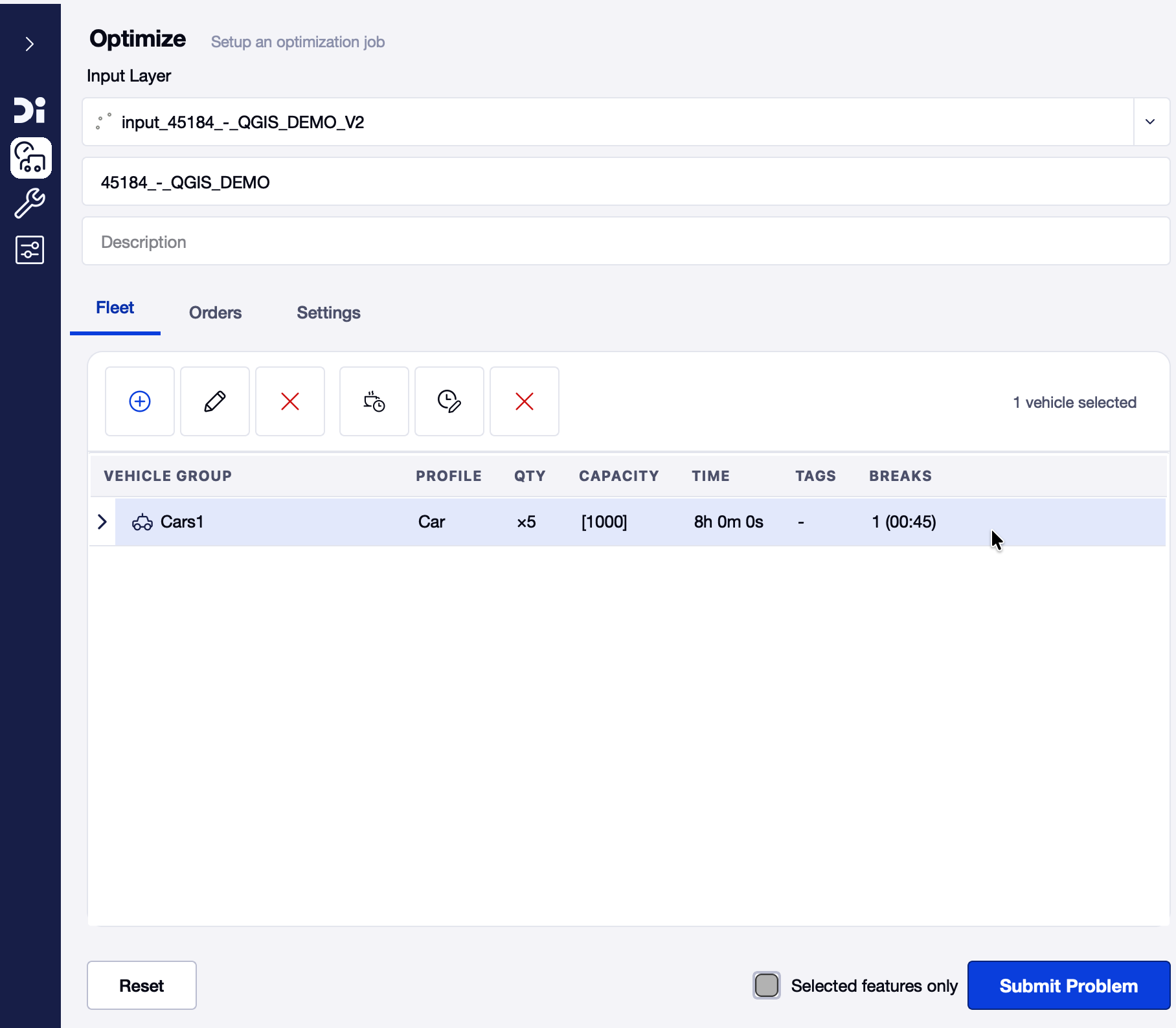
Improved copy & paste
It is now possible to quickly duplicate or overwrite existing vehicle groups.
1. Select one or more vehicle groups.
2. Press Ctrl+C to copy.
3. Press Ctrl+V on an existing vehicle group to overwrite it with the copied vehicle group.
4. Press Ctrl+V on a blank space to duplicate the vehicle group.
Expression builder improvements
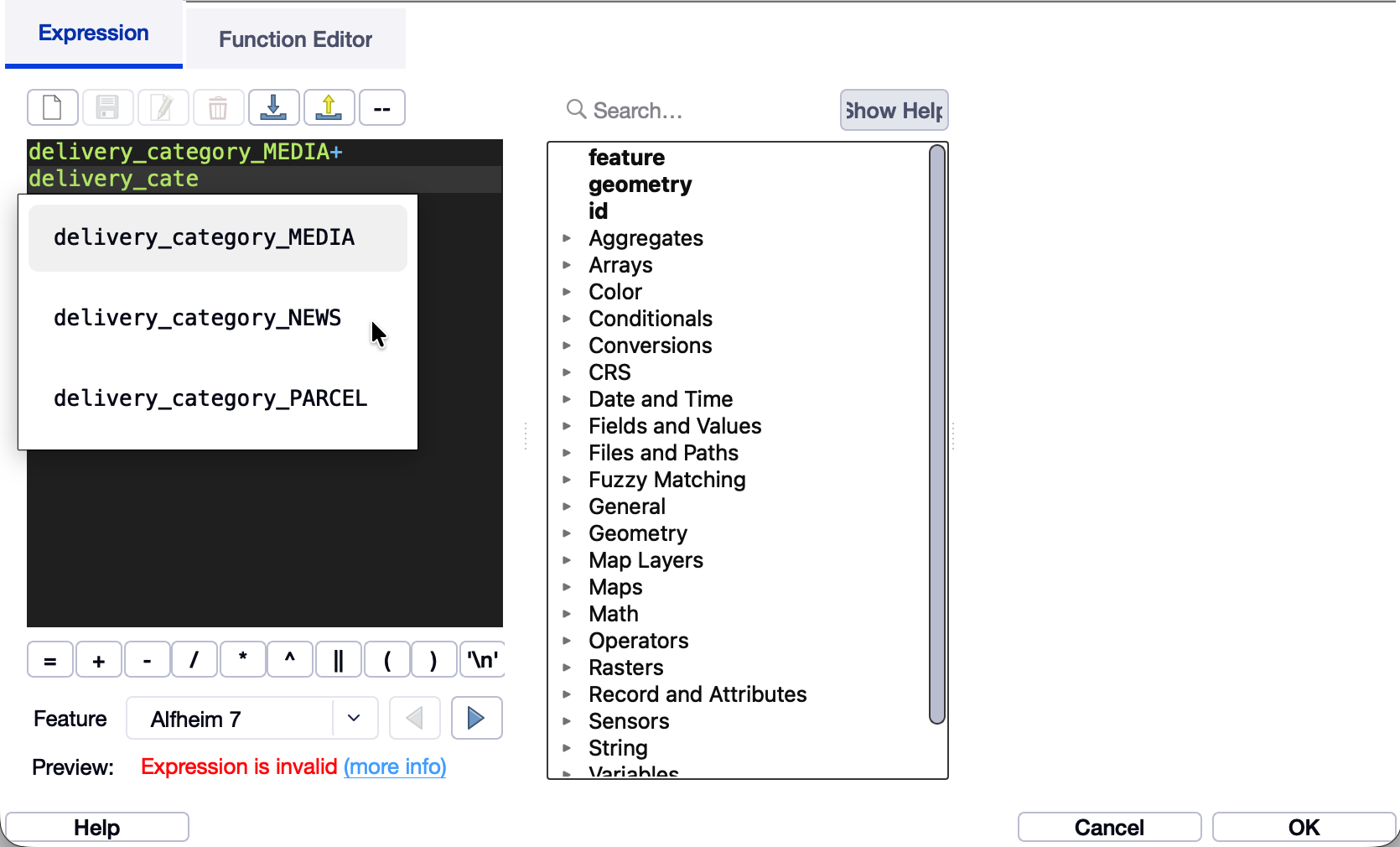
The expression builder has received some quality-of-life improvements.
You no longer have to double-click when selecting an item, and the arrow button now works as intended.
Data import
We are continuously working to improve data import.
Several bugs have been fixed, and we are making steady progress toward improved stability.
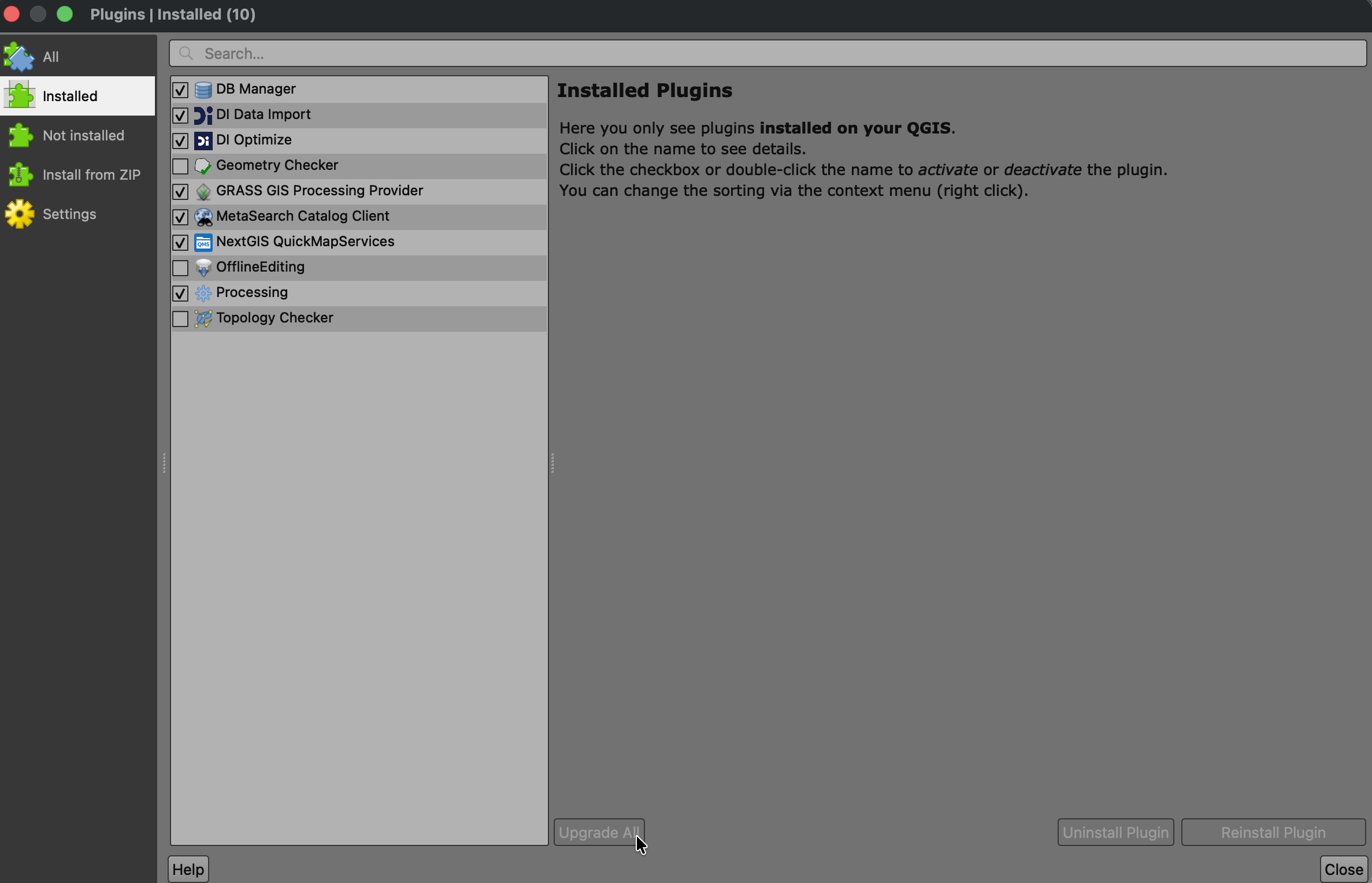
How to upgrade
It usually takes around 3 days before QGIS prompts you to upgrade your plugins.
Follow these steps if you want to upgrade immediately:
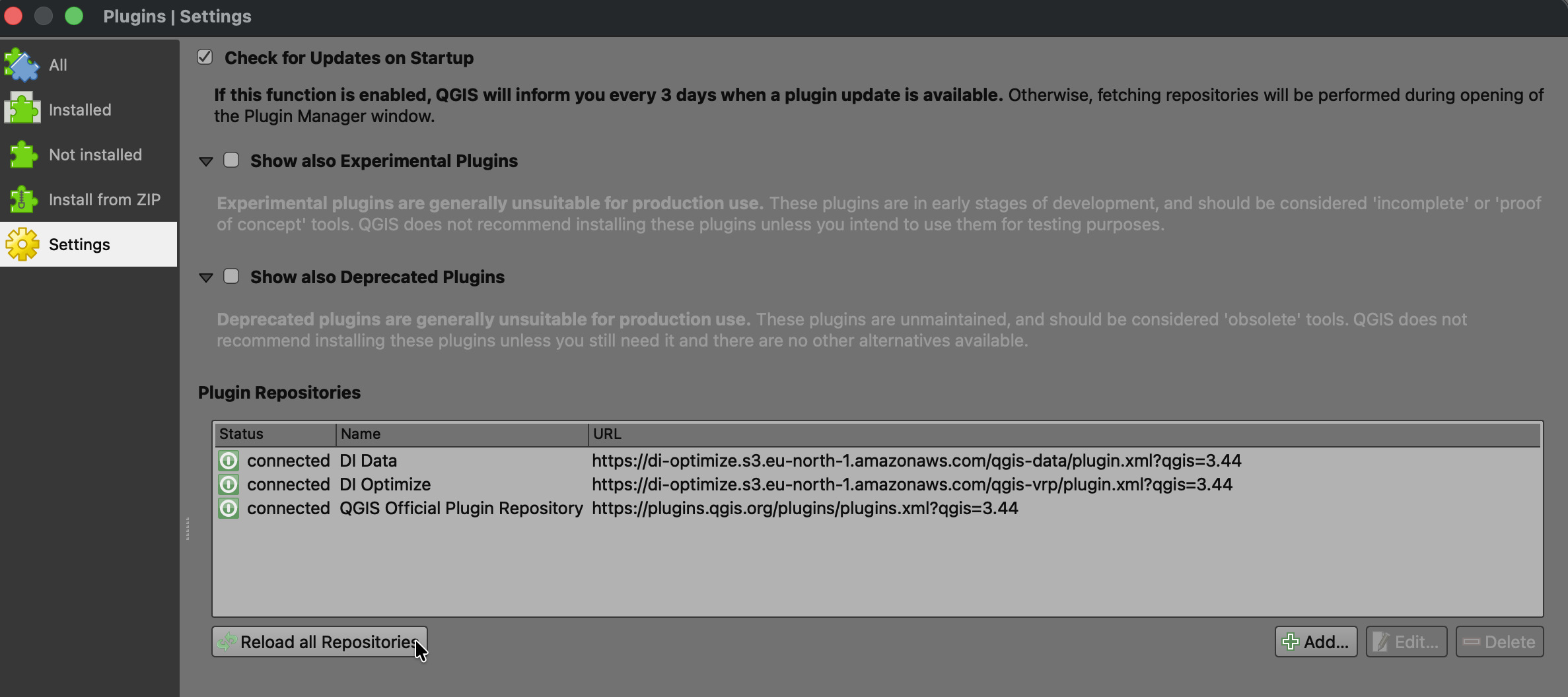
Click Plugins -> Manage and install plugins...
Click Settings -> Reload all repositories
Click Installed -> Upgrade All